
Choose the photo booth type first, then check more than the available floor area. The delivery route, operating schedule, guest approach and utilities all matter. Use this checklist to gather the information your venue and Fables need for the particular equipment being booked.
Photo-booth moments.
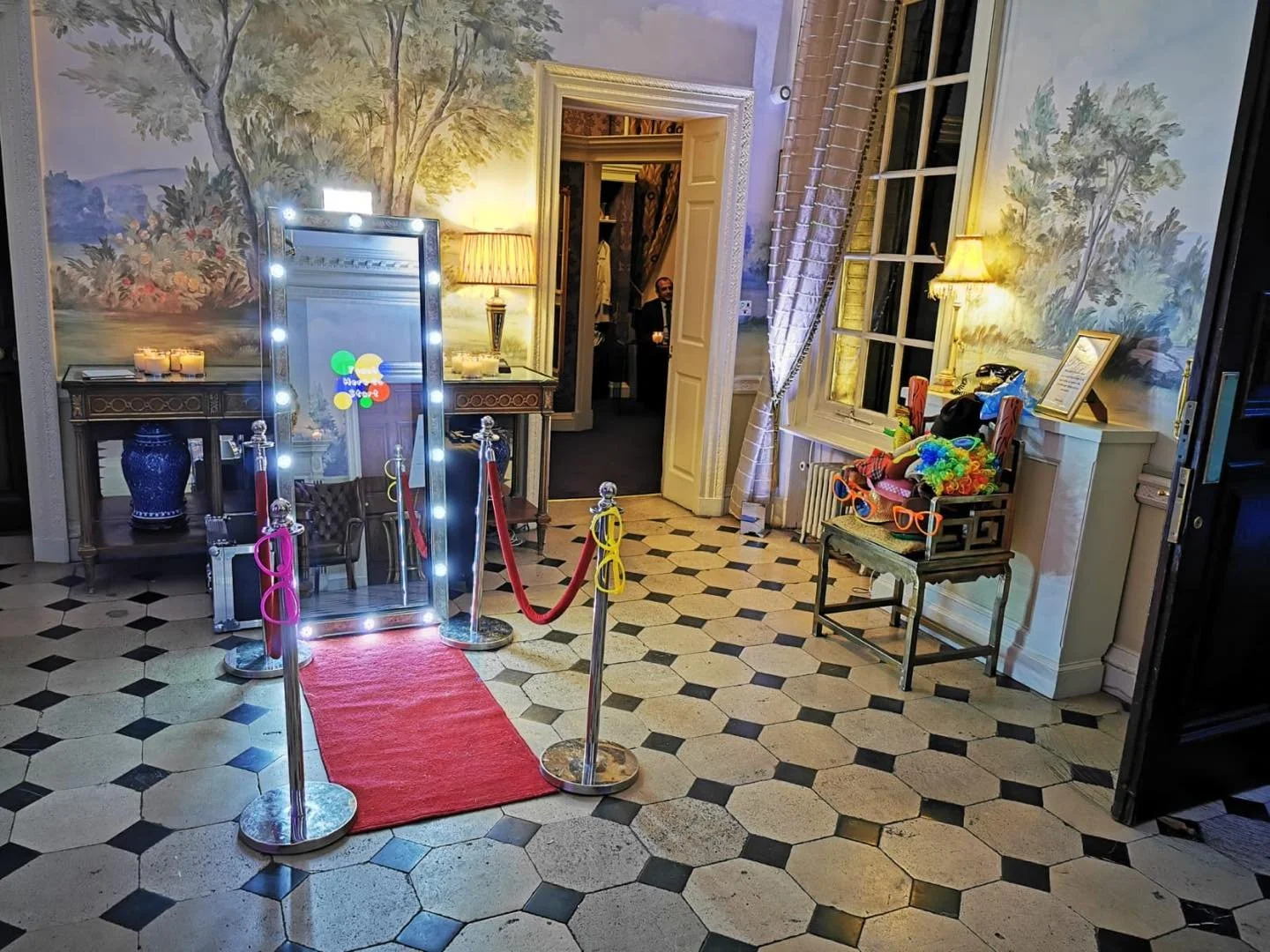
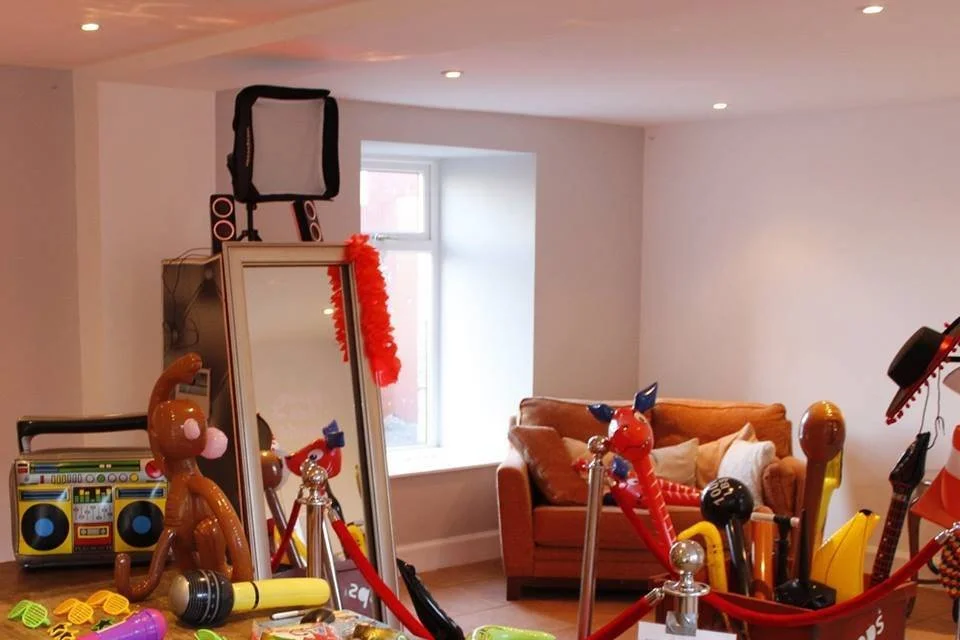
People, props and setups from our existing photo-booth gallery. Confirm the equipment and inclusions for your chosen booking.
1. Name the room and the proposed position
Identify the room and photo booth type, rather than only the venue’s postal address. Describe the proposed position and how guests will approach, participate and move away. A venue plan or clear photographs can help the conversation, with Fables confirming the setup requirements for the particular equipment.
For a Magic Mirror booking, include its red carpet and red velvet rope barriers in the arrangement discussed with the venue. A 360 video, selfie pod, open-air, enclosed, roaming or other format needs its own equipment and guest-access requirements confirmed. Plan those details alongside doorways, furniture and service routes.
- Note the proposed room and photo area.
- Check guest routes and nearby exits with the venue.
- Flag furniture that must be moved before setup.
2. Describe delivery access honestly
Tell Fables about the route from the unloading point to the operating location. Steps, narrow doorways, lifts, long carrying distances and limits on vehicle access are useful details to raise early. Do not assume that a route suitable for guests will automatically suit the equipment.
Ask who will provide access and whether the venue restricts delivery or collection times. Where parking or unloading arrangements need permission, agree who is dealing with them. Give the team a practical contact for arrival as well as the main booking contact.
- Share unloading instructions and access restrictions.
- Identify steps, lifts or narrow sections of the route.
- Provide the name or role of the venue contact.
3. Confirm a suitable electricity supply
Electricity is required. Fables will confirm the supply requirements for your booked equipment, and the client must arrange a suitable supply at the agreed setup location and time. Ask the venue to check the proposed position; an electrical supply elsewhere in the building does not answer that question.
If electricity is unavailable, Fables can provide its own power for an additional charge. Arrange this in advance. The price must be quoted and agreed in writing before it is added to the booking. Avoid assuming that a generator or another supplier's arrangement is included in your photo booth package.
- Ask Fables to confirm the equipment's requirements.
- Check the supply at the proposed operating location.
- Raise missing power before the event and agree any extra charge in writing.
4. Check working Wi-Fi at the equipment
Wi-Fi is required where the booking includes a photobooth. The client must arrange a working connection accessible at the equipment's operating location and provide any necessary login details. Ask the venue how that access works and whether the photo area has suitable reception.
Tell Fables in advance if Wi-Fi is unavailable so the team can discuss whether suitable alternative arrangements are possible. Keep this separate from the power conversation: Fables supplying its own electricity does not provide Wi-Fi. Do not rely on an unconfirmed signal or assume an alternative connection is guaranteed.
- Check the actual photo area, not only the entrance or bar.
- Confirm how connection details will reach the team.
- Report unavailable Wi-Fi before booking arrangements are finalised.
5. Agree the timetable with everyone involved
Send the booth type, preferred operating period and main event timings. Confirm how delivery and setup fit the chosen format and venue before booking. If the proposed position forms part of a room changeover, explain when the area becomes accessible and who is coordinating it. The published 2, 3 and 4-hour choices apply to the Magic Mirror; timings for another type are confirmed in the quotation.
Include collection restrictions and the venue's finish time. Share the agreed plan with the venue contact so a late timetable change does not leave the team relying on outdated instructions. If other Fables services are being booked, ask about any further utilities needed for those particular services.
6. Put unresolved points into the enquiry
Send the date, postcode, approximate attendance, chosen type and preferred times, then clearly mark the checks that remain outstanding. Fables will confirm the footprint, access, equipment and utility requirements for the booking. This lets your venue plan around the actual setup being proposed.
Once the booking is agreed, keep the confirmed arrangements together and tell Fables about relevant changes. Missing or unsuitable agreed supplies may delay or prevent the affected service. The existing booking guidance explains how practical solutions and any reasonable additional costs are handled; ask the team to clarify anything you do not understand before the event.
Continue planning.
Let’s plan your photo booth.
Send your event date, venue postcode, preferred booth type, guest numbers and operating times. Include the output and particular requirements you want confirmed in your quotation.